Workflows / Content Operations

Distribution Drafts

A finished piece sits unshared while someone finds time to write the posts.

On new contentGemini API keyGmailGoogle Sheets

How It Runs

TRIGGERNew Piece FormLOGICConfigLOGICFetch PageGEMINIDraft PostsLOGICPrepare DraftsSHEETAdd To QueueGMAILEmail The Drafts

Steps

  1. New Piece FormTrigger
  2. ConfigLogic
  3. Fetch PageLogic
  4. Draft PostsGemini
  5. Prepare DraftsLogic
  6. Add To QueueSheet
  7. Email The DraftsGmail

Control Sheet Tabs

Queue

Accounts To Connect

Gemini API keyGmailGoogle Sheets

Run It Yourself

n8n

  1. In n8n, open Workflows, then Import from URL
  2. Paste https://raw.githubusercontent.com/archanacontent/content-marketing-automation-workflows/main/n8n/05-distribution-drafts.json
  3. Fill in the Config node and connect the accounts listed above
  4. Activate the workflow

Google Apps Script

  1. Set up the control sheet with the steps on the main page
  2. Runs on its own: On request, or when a new repository appears
  3. To run it now, open the Run tab and tick Run now next to No. 5

Real Output

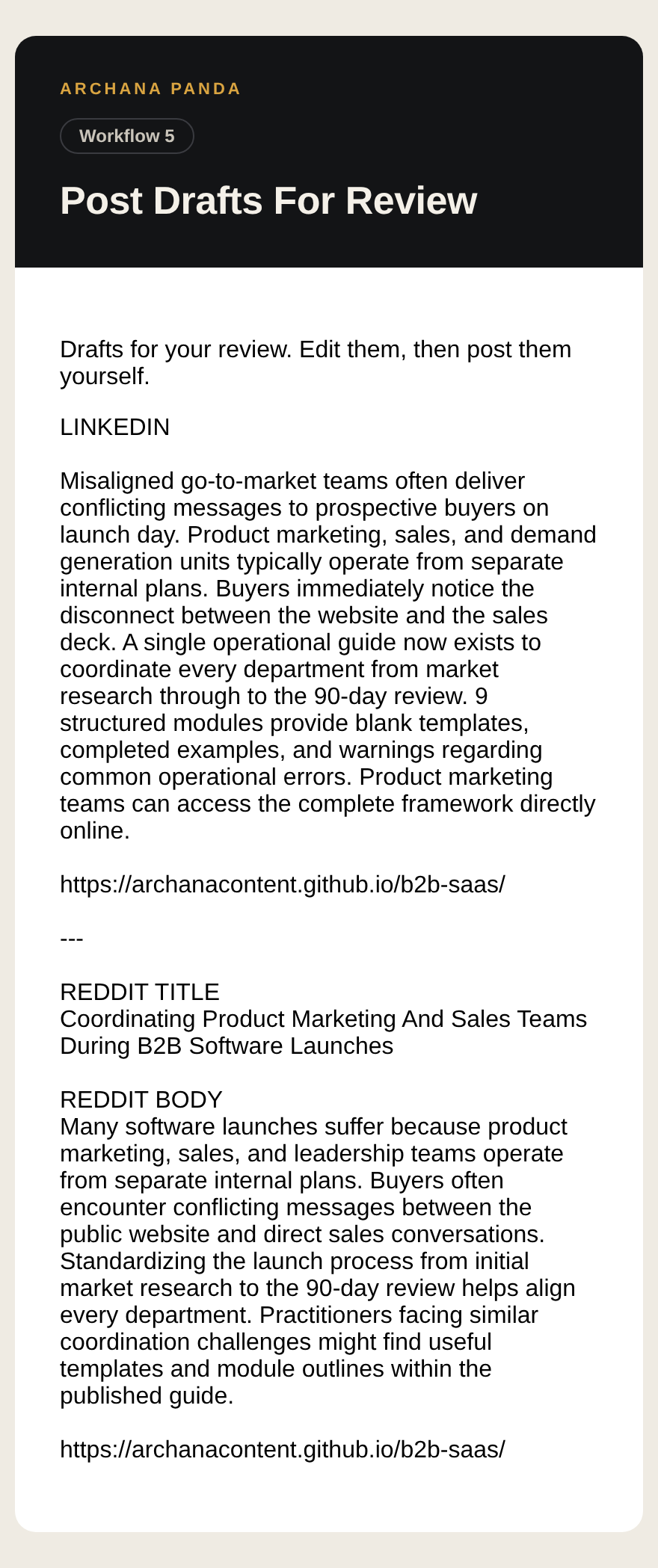
Output from Distribution Drafts, page 1