Workflows / Reporting

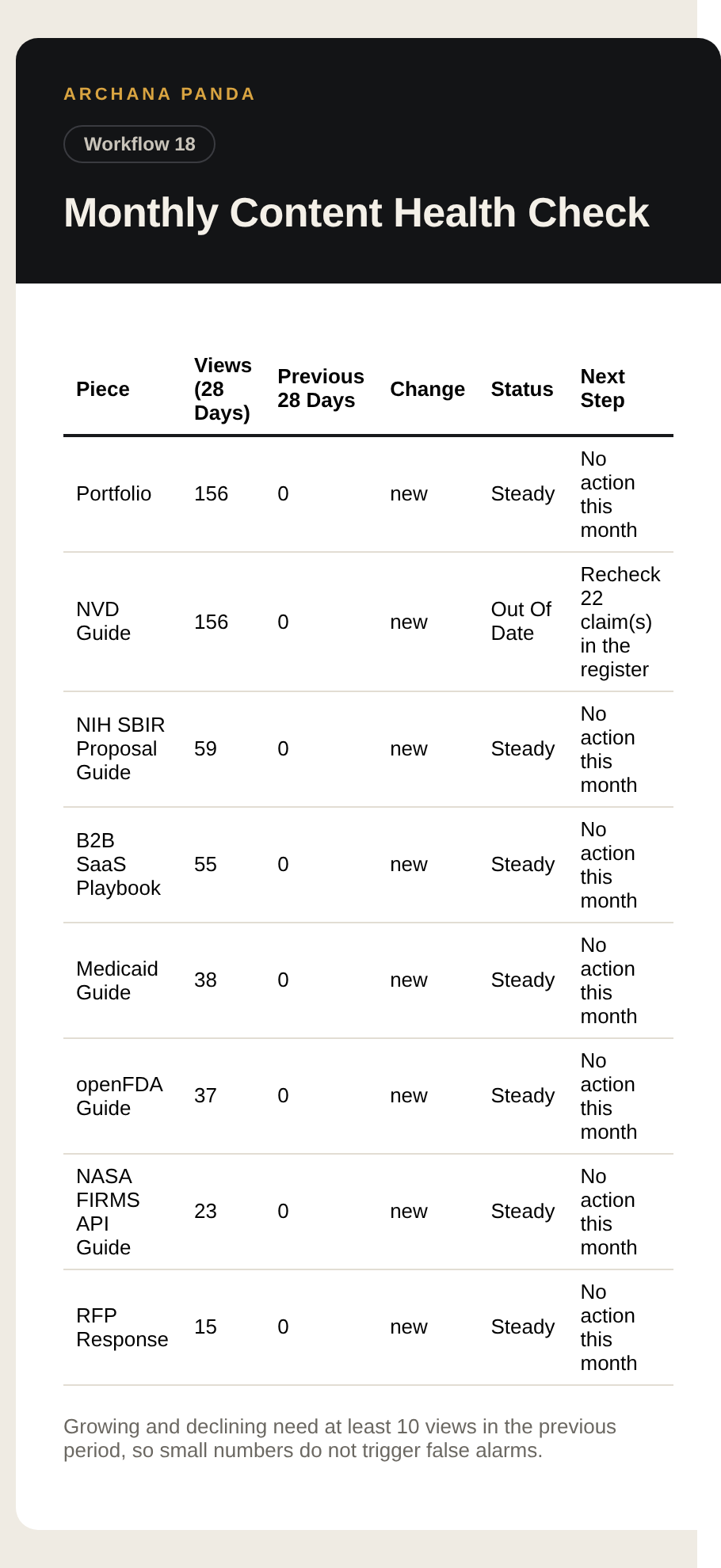
Monthly Content Health Check

Declining pages go unnoticed until traffic has already gone.

1st of the monthGmailGoogle AnalyticsGoogle Search ConsoleGoogle Sheets

How It Runs

TRIGGER1st Of The MonthLOGICConfigAPIGA4 Last 28 DaysAPIGA4 Previous 28DaysAPISearch ConsoleSHEETRead ClaimsLOGICClassify PiecesGMAILEmail The Check

Steps

  1. 1st Of The MonthTrigger
  2. ConfigLogic
  3. GA4 Last 28 DaysAPI
  4. GA4 Previous 28 DaysAPI
  5. Search ConsoleAPI
  6. Read ClaimsSheet
  7. Classify PiecesLogic
  8. Email The CheckGmail

Control Sheet Tabs

Claims

Accounts To Connect

GmailGoogle AnalyticsGoogle Search ConsoleGoogle Sheets

Run It Yourself

n8n

  1. In n8n, open Workflows, then Import from URL
  2. Paste https://raw.githubusercontent.com/archanacontent/content-marketing-automation-workflows/main/n8n/18-monthly-content-health.json
  3. Fill in the Config node and connect the accounts listed above
  4. Activate the workflow

Google Apps Script

  1. Set up the control sheet with the steps on the main page
  2. Runs on its own: 1st of the month
  3. To run it now, open the Run tab and tick Run now next to No. 18

Real Output

Output from Monthly Content Health Check, page 1